
My iPod Touch is my Laptop
Preserved from the old Uncharted Design blog for nostalgia. This is old web-business advice, not current guidance.
I was initially envious of my coworker’s iPhones. I had a Blackberry of the Pearl and Curve generation, and it was outclassed in every way. But then I heard about the iPod touch, and realized I could save about $600 per year (in data fees) by buying this $200 device and cutting off my data on the Blackberry. Now I’m not connected all the time mind you, which is sometimes frustrating, but I like to think it keeps me sharp.
When I’m at my home, work, the coffee shop, my friend’s houses and the local bar I’m connected via wifi, and using these apps.
Mail.
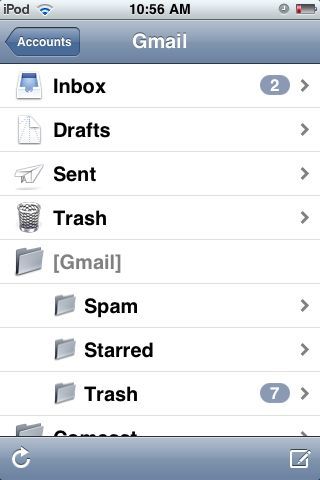
Boring, I know. Maybe even obvious. But staying on top of email makes it manageable. I can scan for anything urgent, and quickly delete emails that don’t require me.
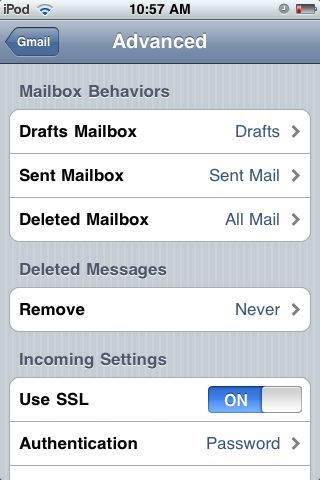
Tip: For Gmail users, change your delete to actually archive your mail. Settings > Mail > Gmail > Advanced > Deleted Mailbox > All Mail on the server, now go back and set Remove > Never.
Fring.
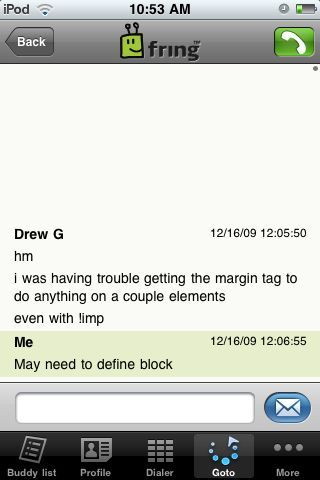
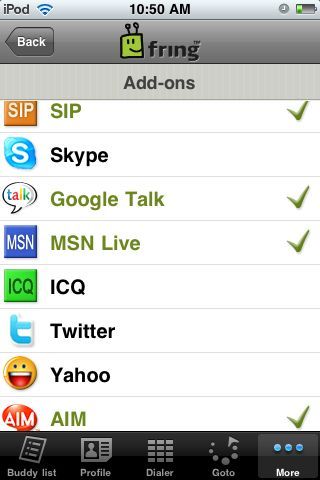
Helpful when you want to have a quick chat with someone without the tedium of texting back and forth. Connects to Skype, MSN Messenger, ICQ, Google Talk, SIP and Twitter Contacts.
WordPress.
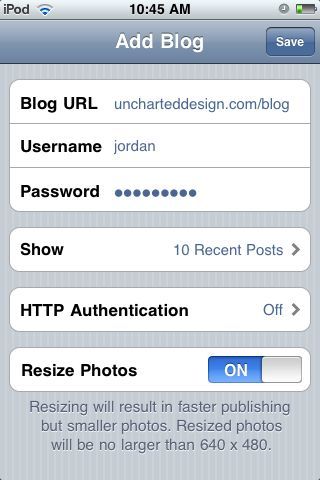
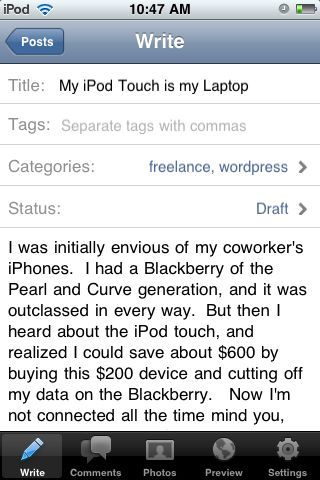
Has all the functions you would need on the go. Check comments, and compose drafts even when not connected to the internet.
Conclusion App
After 2 years the iPod has certainly paid its dues. I’ve stayed connected to my work and assuaged my envy of iPhones without the data fees. I’m sure it will be outdated soon, but for the moment it’s great.